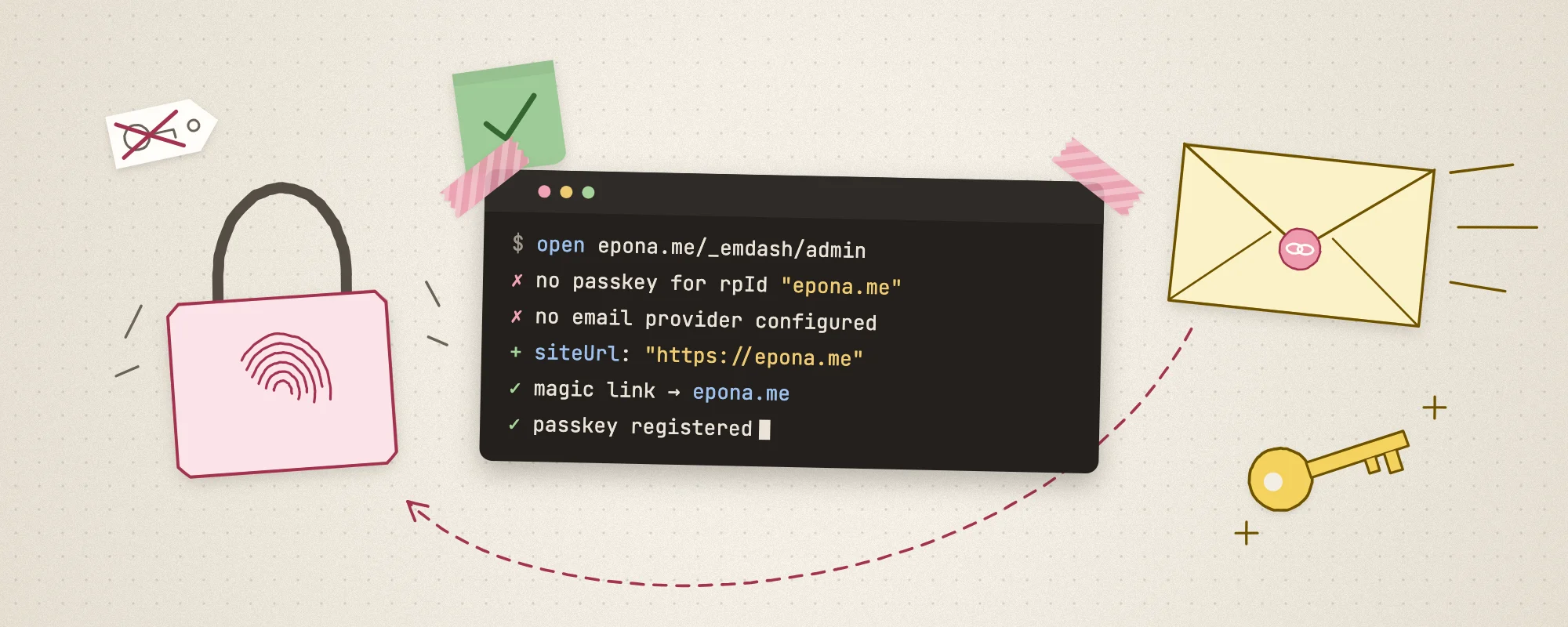
In the previous post, I covered how Claude Code helped us migrate from Astro to EmDash. The deployment itself went smoothly, but the cliffhanger at the end was a real crisis — after I bound a custom domain, Passkey login stopped working, and the admin panel reported no email service configured. This post is a complete record of that escape and the authentication repair.
Why was I locked out?
After pointing my custom domain at the Cloudflare Worker, I happily opened https://epona.me/_emdash/admin to log in, only to find that no Passkey verification prompt appeared.
Taking a breath, I realized this was WebAuthn's security design at work: Passkey credentials are strictly bound to the accessing domain (Origin / Relying Party ID). The one I'd registered under *.workers.dev 临时域名下注册的凭据,在epona.me naturally couldn't work here.
At that point the system suggested logging in via email, but here's the awkward part — I'd just deployed and hadn't configured any email service. Fortunately, I could still use *.workers.dev/_emdash/admin to get into the admin panel.
Setting up email for EmDash
Since I was already in the admin panel, the top priority was to get email configured quickly so I wouldn't get locked out again.
Choosing a plugin
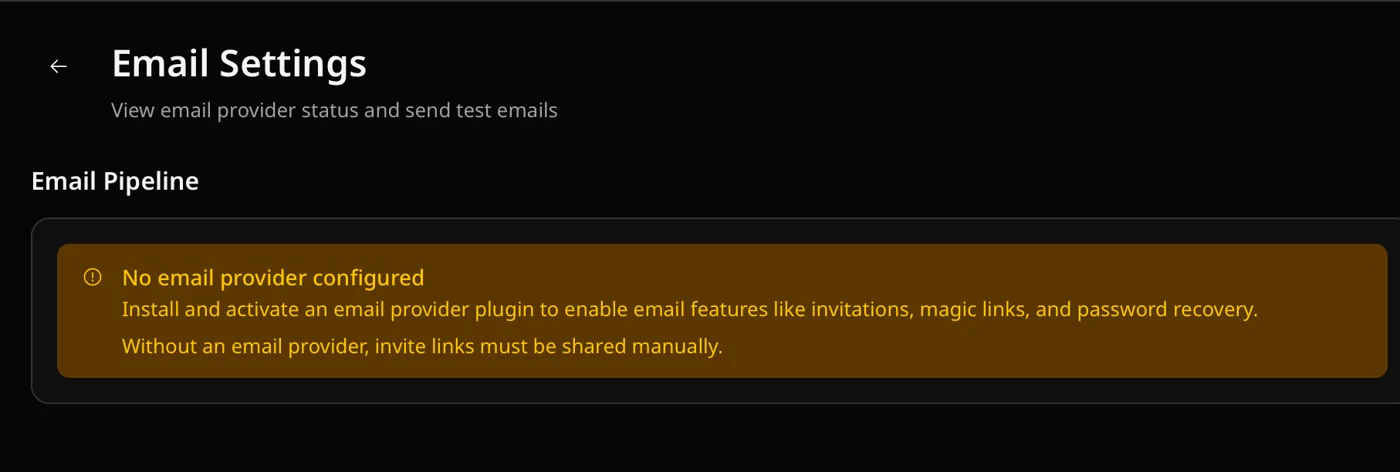
In the admin panel at Settings → Email, the interface showed: No email provider configured. This kind of configuration was, of course, something to hand over to Claude Code.
After some digging, Claude Code offered three options:
- Cloudflare Email Sending: native official support, sending directly through Cloudflare's edge.
- Resend: a third-party plugin officially recommended by EmDash.
- Postmark / AWS SES and other traditional SMTP/API services.
Given that the entire blog's tech stack sits on the Cloudflare family (Workers + D1 + R2), I preferred to minimize external third-party dependencies, so I went with Cloudflare Email Sending.
Note: this feature requires the Cloudflare Workers paid plan ($5/month). Since the price is reasonable and I'll likely use other advanced features down the road, I took the opportunity to upgrade.
Installing and testing the plugin
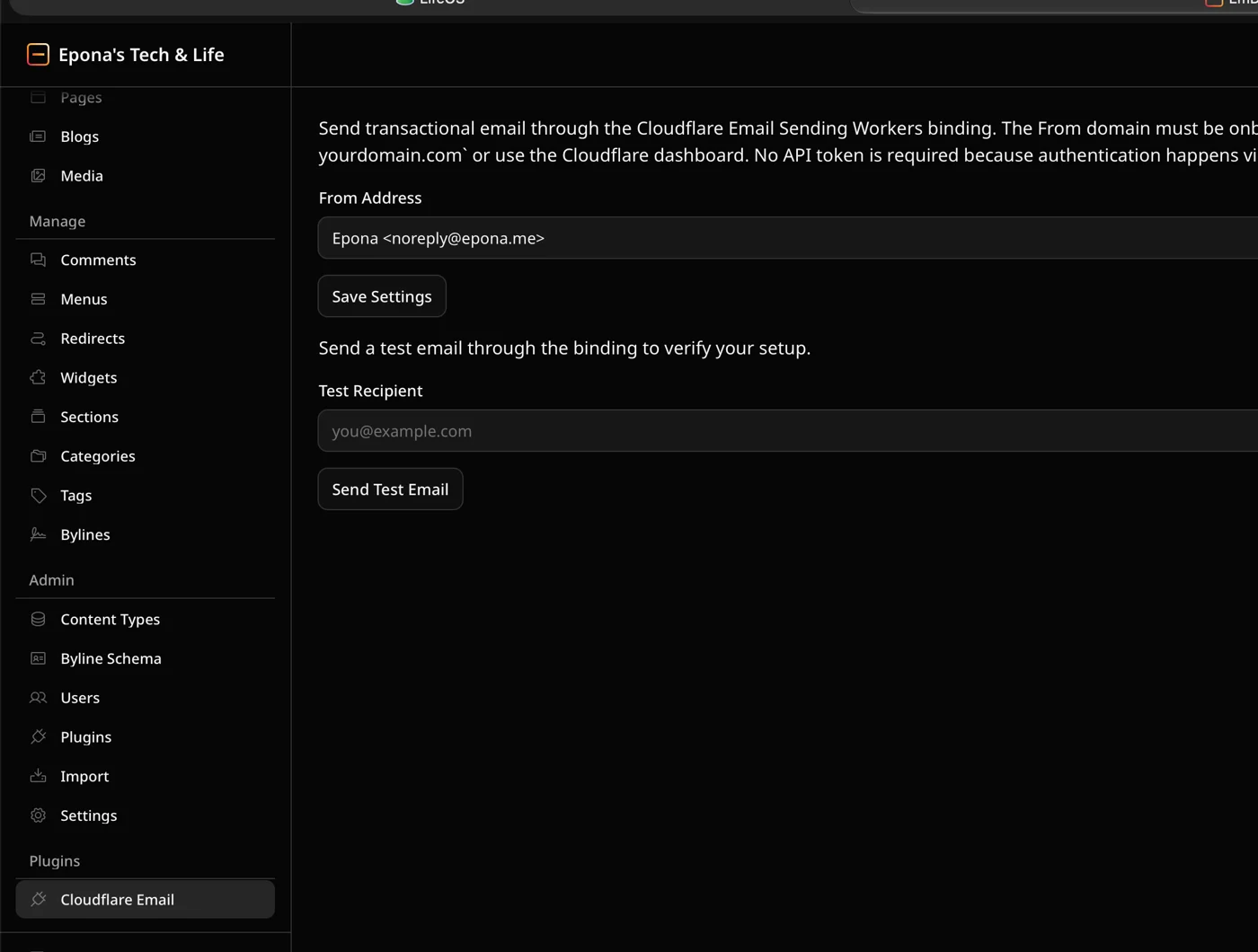
Guided by Claude Code, we installed and enabled the email plugin for EmDash. After the deployment took effect, a new Cloudflare Email entry appeared in the left menu of the EmDash admin panel. After configuring the sending address, I entered my personal email in the test box and hit send — the test email arrived without a hitch!
The siteUrl problem
With email working, I logged out of workers.dev and went back to the custom domain https://epona.me/_emdash/admin to try logging in via email. The email did go out this time, but here's the weird part: the login link (Magic Link) in the email still pointed to *.workers.dev! Since the login token doesn't strictly validate the origin domain during verification, I had to manually copy the link and replace the leading domain with my own epona.me to force my way in.
Next, I had the AI investigate why Passkey still couldn't be added on the custom domain in this state. After analysis, the AI pinpointed the key issue: the core EmDash configuration was missing an explicit definition of the base site URL (siteUrl)! When siteUrl isn't explicitly set, EmDash's internal absolute link generation and the RP ID that WebAuthn relies on both fall back to the Worker's original temporary domain. So we added this to the project config file:
emdash({
    siteUrl: "https://epona.me",
    // ... 其他配置
})
After rebuilding and redeploying, the Magic Link address was correct, and Passkey could successfully bind to the custom domain.
Summary
Looking back at this hair-raising login authentication setup, there are two lessons worth sharing:
- Configuration order matters: set the domain first, then handle authentication
When deploying a full-stack CMS on something like Cloudflare Workers, the very first step should be hardcoding the custom domain's siteUrl in the config file and binding the domain. Don't take the shortcut of setting up all your accounts and credentials under the temporary domain.
- Multiple login fallbacks are a must
Modern web passwordless (Passkey) login is a great experience, but because it's physically bound to the Origin, it has low fault tolerance. Before going live, make sure email service is set up as a fallback — otherwise, any change to your domain or credentials can easily lock you out completely.
You got a collectible· Item get
Ancient Spindle
Common
- Region
- Tech Highlands
- Found near
- Astro · Claude Code · Cloudflare
- Discovered
- Journey
- 4 min · 4 travellers so far
Earned by finishing this quest. The more travellers who read it, the rarer it grows.

Loading comments…