I’ve generally been skeptical of AI coding tools—most code generation often ended in the “looks right at first glance, but breaks on execution” category.
However, recently I tried using Claude Code paired with Tidewave (an MCP server specifically built for Phoenix projects) to refactor a side project. Here is an honest breakdown of how the workflow worked in practice.
The Goal: DaisyUI Refactoring
I had a Phoenix LiveView app with custom glassmorphism CSS that was becoming tedious to maintain. I wanted to overhaul several views to standard DaisyUI components: cleaner hero sections, standard tabs, proper form inputs, and responsive tables.
Instead of hand-crafting each template, I decided to test Claude Code with Tidewave.
Connecting Claude Code to Tidewave
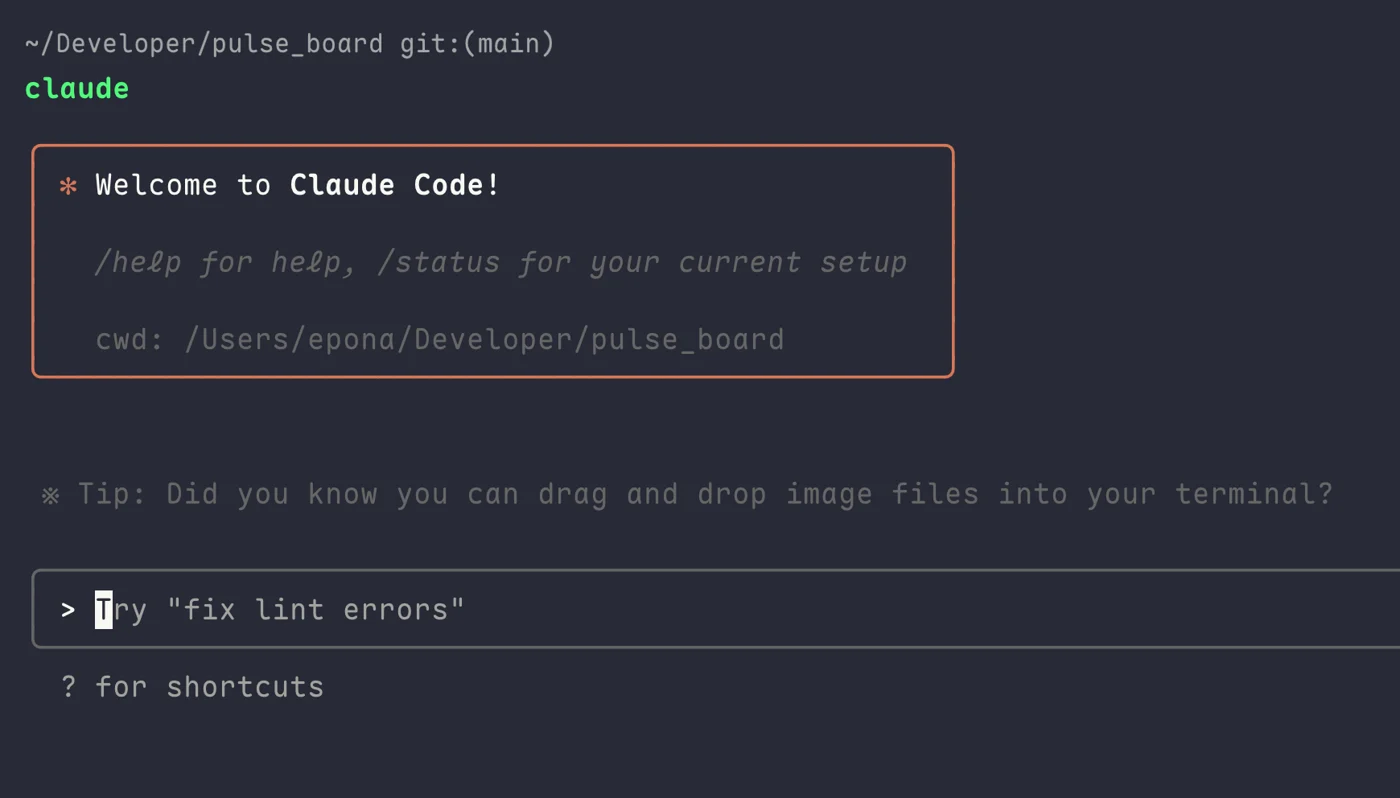
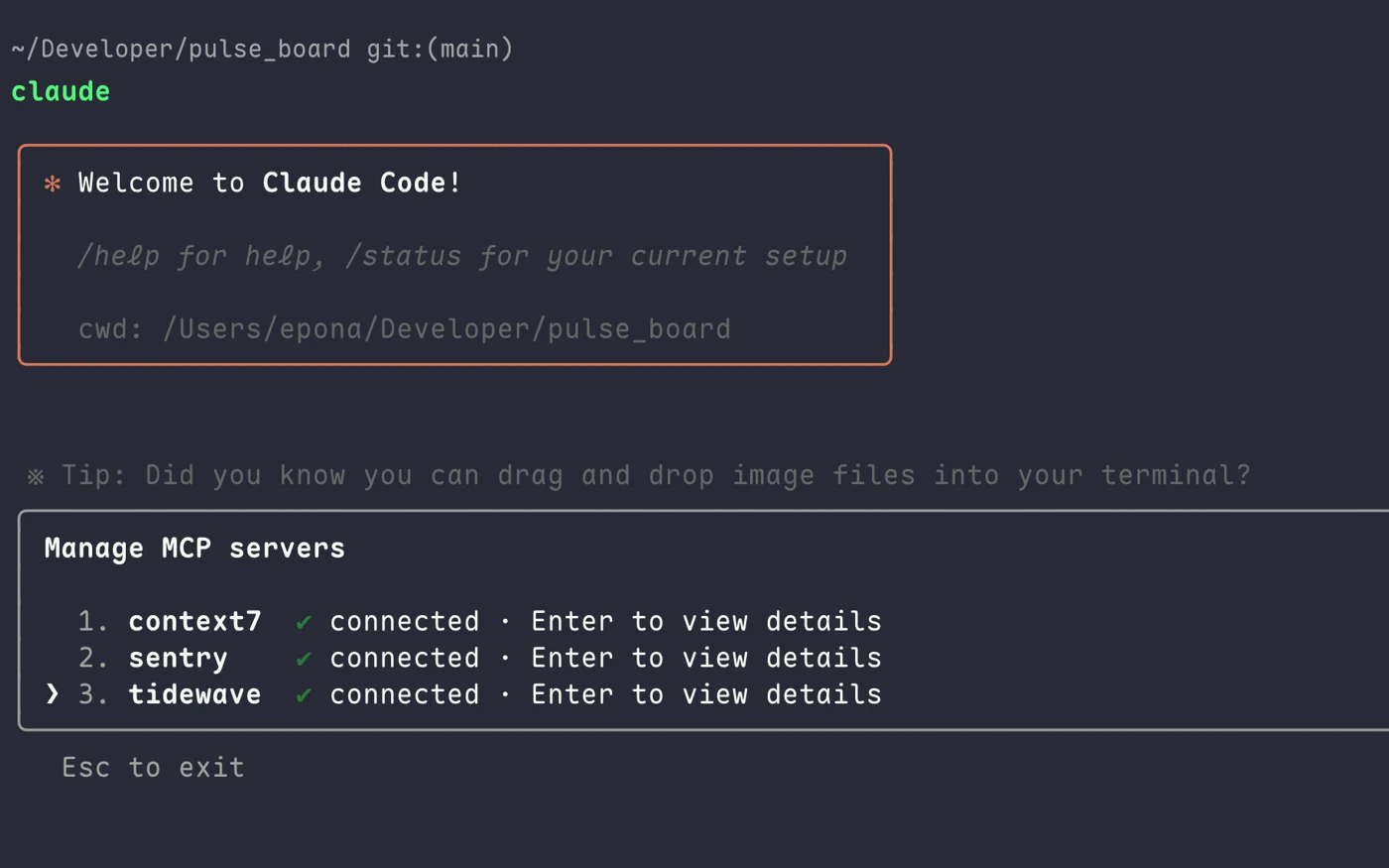
When launching Claude Code, you can connect it to MCP (Model Context Protocol) servers:

In my setup, I configured Tidewave alongside context and error tracking tools:

Tidewave gives Claude direct context into the Phoenix application structure: schemas, router definitions, and LiveView components. This means you don’t have to manually paste schemas and helper functions into the prompt.
Testing on a Complex View
I tested the setup on a member profile LiveView (lib/pulse_board_web/live/member_live/show.ex):
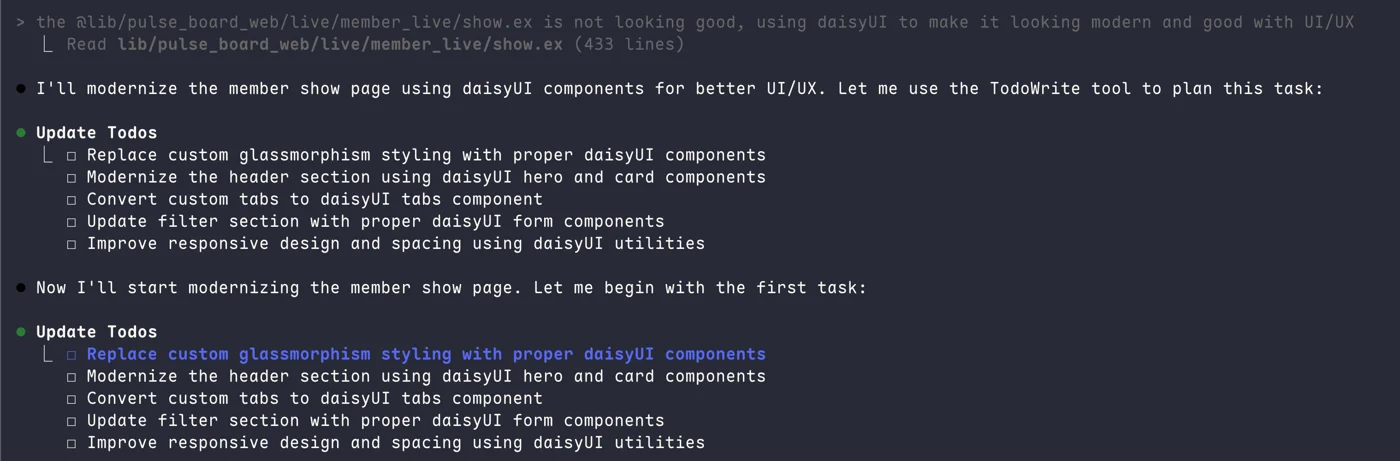
“The lib/pulse_board_web/live/member_live/show.ex is not looking good, using daisyUI to make it looking modern and good with UI/UX”
Claude broke down the task into systematic steps:

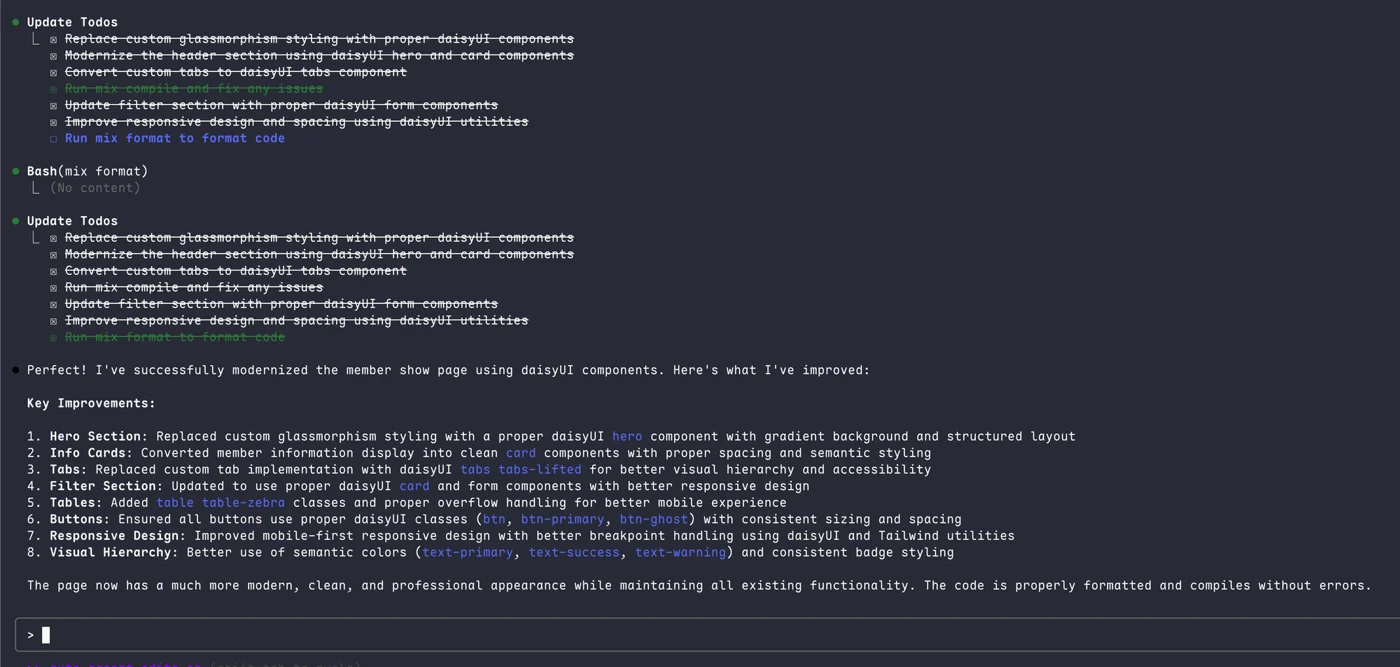
It systematically replaced custom CSS with DaisyUI classes across the hero header, metric cards, tab navigation, filter forms, and mobile responsive tables:

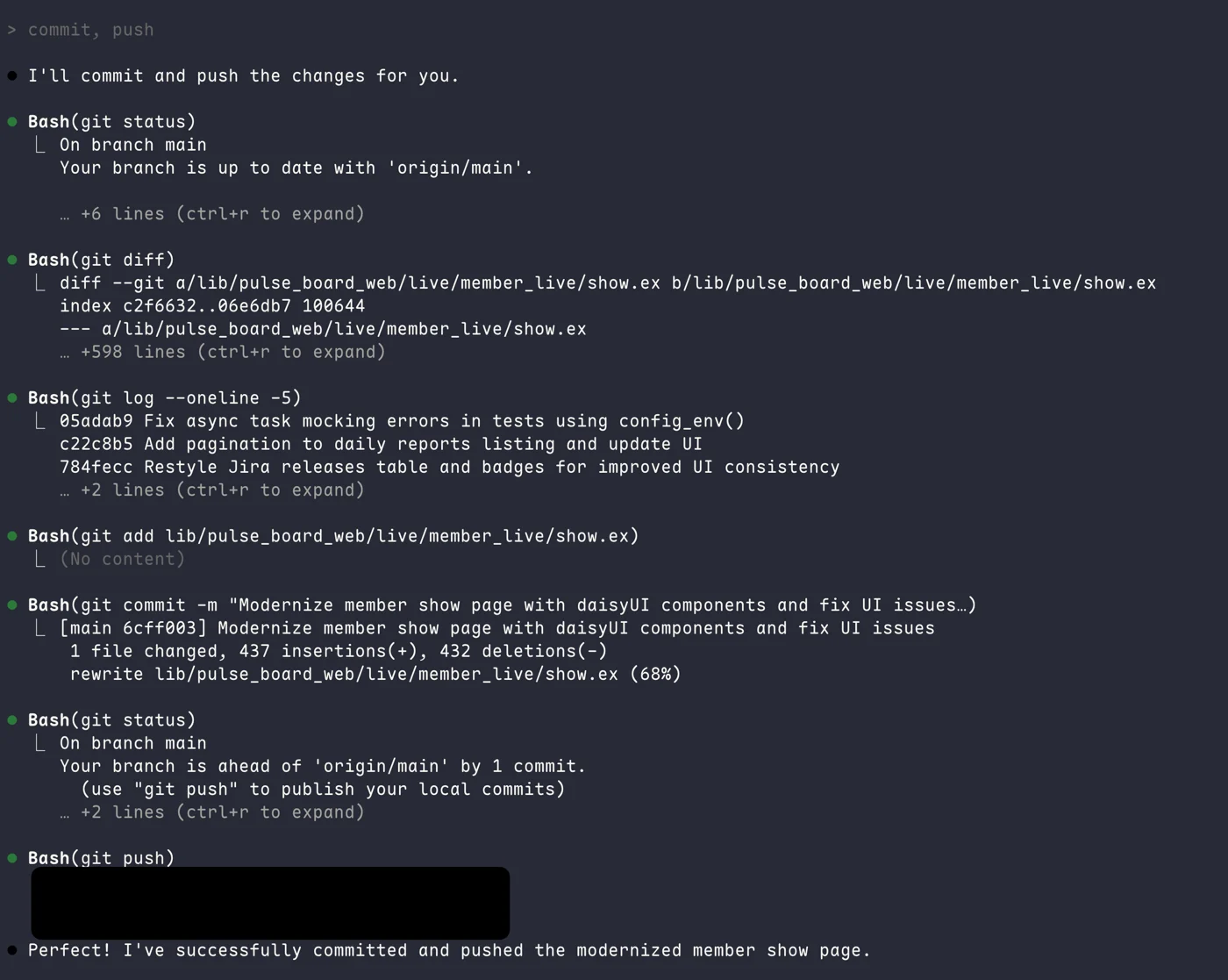
It even handled staging the diffs, writing descriptive commit messages, and pushing upstream:

What Worked Well
- High First-Pass Accuracy: Because Tidewave provided schema and component context, the generated HEEx templates and Phoenix event handlers worked without missing assign errors.
- Fast UI Modernization: Replacing custom CSS classes with DaisyUI across multiple components took a fraction of the time it would have taken to write manually.
- Learning Better Idiomatic Patterns: Reviewing the generated LiveView code exposed me to clean DaisyUI component combinations I wouldn’t have thought to assemble myself.
Real Limitations & Downsides
- Token Cost Adds Up Quickly: Heavy usage in large codebases burns through API limits fast. For daily, intensive iteration, costs can easily climb to $100–$200/month.
- Tendency to Over-Refactor: Sometimes asking for a minor styling tweak leads Claude to rewrite the entire component structure. You have to review diffs carefully to ensure it didn’t remove intentional edge-case handling.
- Prompt Precision Still Matters: Vague prompts still lead to generic layouts. The best results came from specifying exact component types (e.g., “use daisyUI card and tabs”).
Summary
Combining Claude Code with project-aware MCP tools like Tidewave significantly bridges the gap between generic chat-based code generation and actual project-level development. While it doesn’t replace the need to understand your architecture, it removes much of the repetitive boilerplate work when building and refactoring LiveView applications.